

Work-order software for landscape maintenance teams
Keep customer requests connected to the crew doing the work.
Follow the extra work that comes up between visits, from a customer flagging a problem to the crew recording what was done.
WO-1188
Replace damaged shrubs by entry
Cedar Park office building
Request received
Three boxwoods by the front entry damaged by a delivery truck.
Customer
Extra work needs approval
Waiting on approvalCustomer asked to approve the replacement before it's scheduled.
Office
Work recorded
Shrubs replaced and mulched. Before and after photos added.
Crew
Completion update
FinishedCustomer told the work is done. Request closed.
Office

Landscape maintenance software for everything between scheduled visits
Regular maintenance is predictable. The extra requests are not: a damaged planting, an irrigation leak a crew spots, a cleanup after a storm, a customer asking for hedges along a fence line. Groundlark gives each of those requests its own work order, so it reaches the right crew and nobody has to remember it from a phone call.
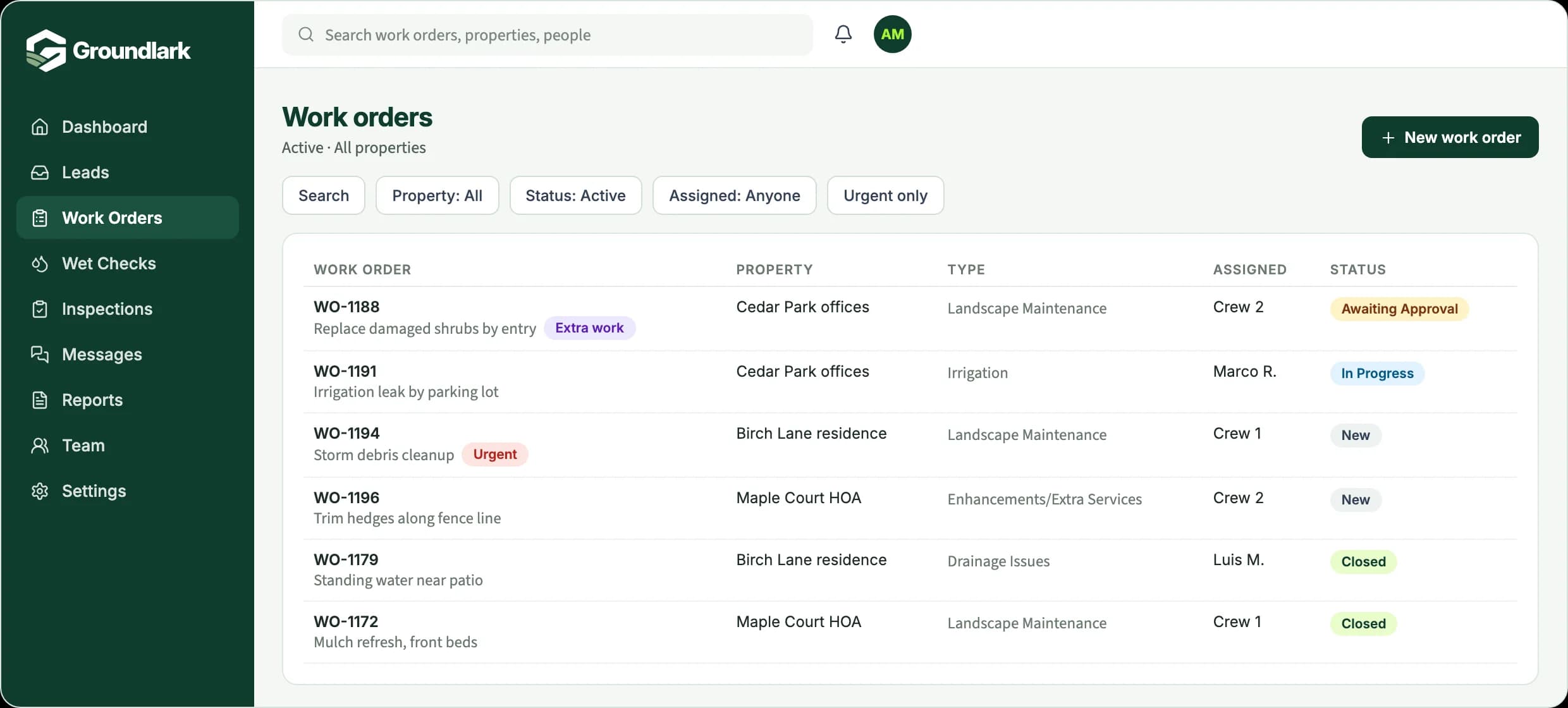
Requests are organized by type, such as irrigation, landscape maintenance, drainage issues, and enhancements or extra services, so the right person picks them up. Extra work that needs the customer's go-ahead is clearly marked as awaiting approval, and crews add before and after photos when they finish.
The requests that come up between visits
A damaged planting that needs replacing.
An irrigation issue the crew spots during maintenance.
A cleanup or trimming request from the customer.
An extra task that needs the owner's decision before anyone starts.
How it works in Groundlark
The office and the field, on the same job.
In the office
- Capture requests between visits as their own work orders
- Sort work by request type, property, status, or assignee
- Hold extra work in Awaiting Approval until the customer agrees
- Answer customers with the crew's notes and photos in hand
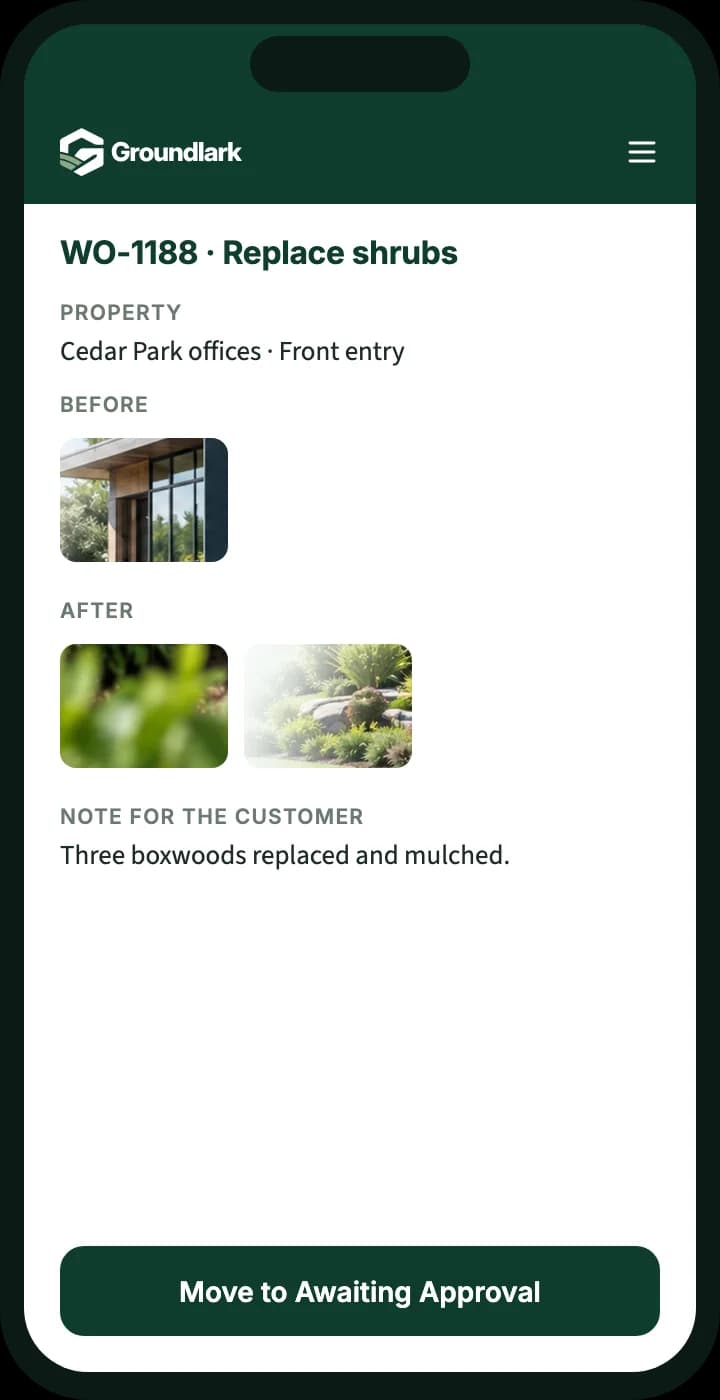
In the field
- See the day's assigned requests on a phone
- Add before and after photos and a note for the customer
- Flag issues found on site, like an irrigation leak
- Move work forward when it's done
Every request, from report to finished.
- Outcome 01
Requests between visits
Extra requests are recorded as their own work, separate from the regular schedule.
- Outcome 02
Clear handoffs
Each request goes to the right crew or person, whether it's planting, irrigation, or cleanup.
- Outcome 03
Done versus outstanding
The office sees what's finished and what's still open at every property.
What you can track
Request types
Irrigation, landscape maintenance, drainage issues, and enhancements or extra services, each routed to the right people.
Search and filter
Find work by street, property, status, urgency, or who it's assigned to.
Approvals before work starts
Extra work waits in Awaiting Approval, and only the right roles can close jobs.
Before and after photos
Crews document the work so the office can show customers what was done.
Notes customers can see
Keep internal notes private, and mark the ones meant for the customer.
Team roles
Admins, supervisors, managers, and employees each get access that matches their job.

Why one record helps
Useful property history
Earlier requests and notes for a property are there when the next one comes in.
Photos from the field
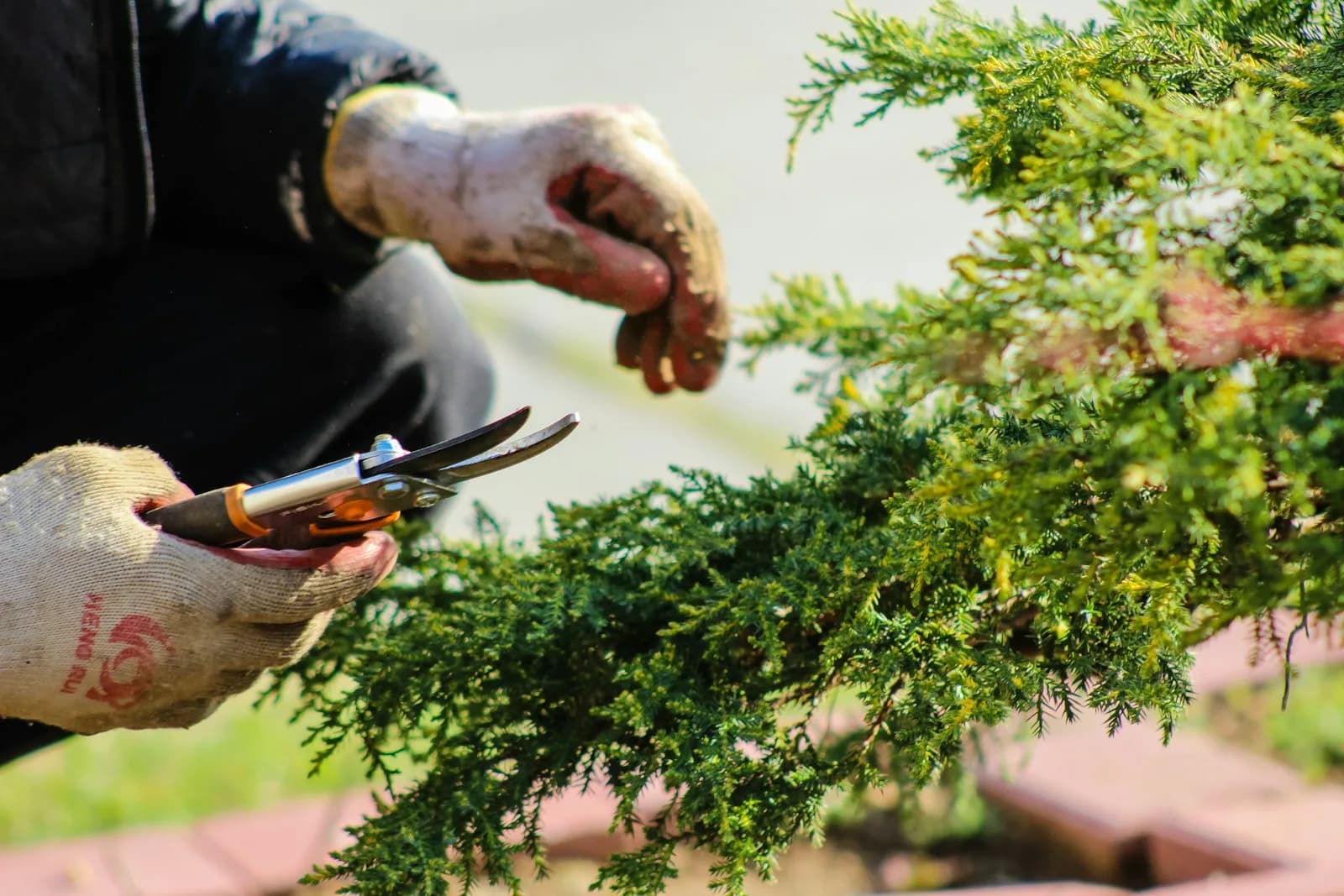
Crews add photos and notes as they finish, so the office can answer the customer with confidence.
Decisions before work starts
Extra work that needs the owner's decision is clearly marked as waiting.
Built from real field work.
Groundlark grew out of a work-order system built for an operating landscape company, where requests, office and crew updates, photos, and approvals were part of the daily routine.
Set up with a person, not a blank account.
We work with you to understand your operation, configure the agreed workflows, and prepare your team to use Groundlark. Every customer completes assisted onboarding before operational access is activated.
How onboarding worksSee it for your work
Request a workflow example.
Tell us a little about how your team handles requests today, and we'll send you a short example of how it would work in Groundlark.
When a customer flags something between visits, how do you get it to the right person and know it's fixed?
Questions
Is this a mowing route or scheduling tool?
No. Groundlark focuses on requests and follow-through: the extra work, repairs, and issues that come up around your regular maintenance.
Who can approve or close work?
You decide. Admins and supervisors can approve and close work by default, while managers and crew members move it forward. Extra permissions can be granted per person.
Can customers text us back?
Yes. Text and email conversations stay attached to the work order, so the whole team sees the history. Customers who reply STOP are opted out of texts.
How would the office and field team use it?
Groundlark is a cloud web application, so the office works from a computer and technicians or crews use a browser on their phone. There is nothing to install. Native iPhone and Android apps are planned for later.
What does getting started involve?
Every customer starts with assisted onboarding. We talk through how your team handles requests today, set up the agreed workflows with you, and train your team before your account goes live.